
NO! Take a Pic > WhatsApp Self-Send > WhatsApp Web > Download & Upload to Blog
Take a pic. WhatsApp it to yourself. Open WhatsApp Web. Download it. Upload it to your blog. Five steps, one photo.
NO! That's the workflow I killed with PostBase, the mobile blog platform.
No more self-sends. No more desktop detours. No more downloading files just to upload them somewhere else. Just open PostBase, write your post, add your photo straight from your camera roll, and publish — all from your phone.
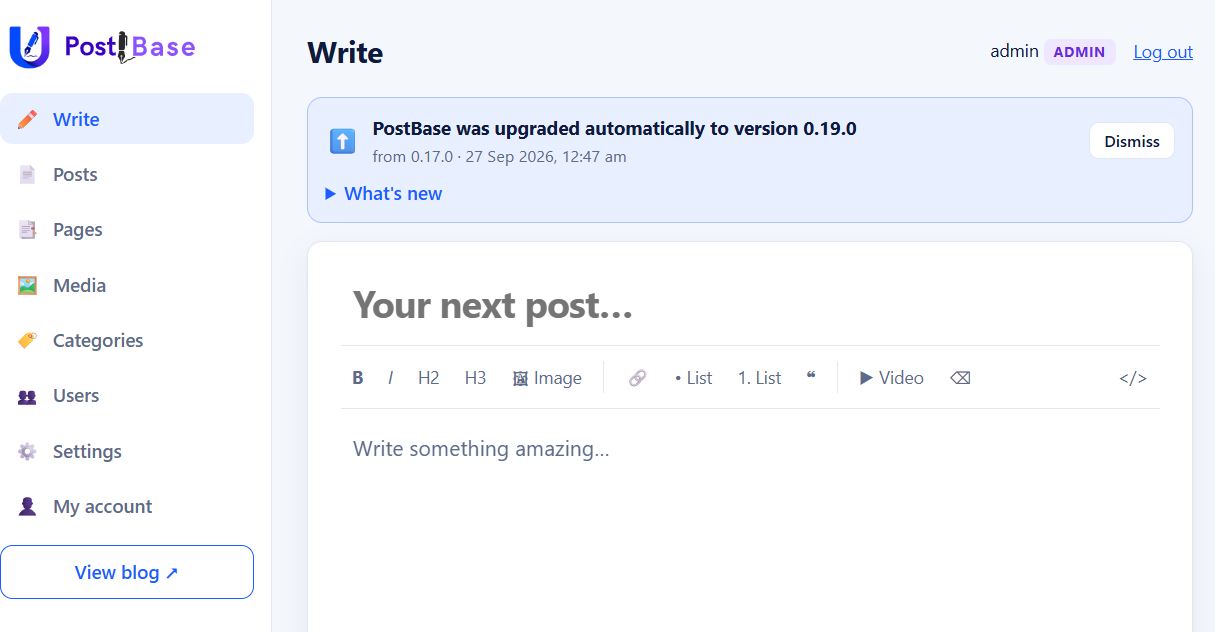
Four steps replaced by one. That's the whole point. Blogging from mobile should be this simple, and now it is.
| Step | Traditional Blog Workflow | PostBase Workflow |
|---|---|---|
| Capture | Take a photo on your phone | Take a photo on your phone |
| Transfer | Send to yourself via WhatsApp, then download on desktop | No transfer needed—your phone is the publishing tool |
| Upload | Log in to blog dashboard, upload file | Open your blog in mobile browser, photo is ready |
| Format | Add title, adjust layout, maybe resize | Add title, publish instantly |
| Time taken | Several minutes, multiple apps | ~30 seconds, single app (browser) |
✨ Key difference: PostBase eliminates the “middleman” apps. Instead of bouncing your photo through WhatsApp or email, you publish directly from your phone’s browser. That’s why it feels closer to Instagram’s simplicity, but with the benefit of owning your content.
| Task | Traditional Blog (WordPress/Medium) | PostBase |
|---|---|---|
| Upload multiple photos | Usually requires selecting files one by one or dragging them into the editor. Formatting galleries often needs plugins or manual layout. | You can select multiple photos directly from your phone’s gallery and publish them together in one go. |
| Gallery creation | Needs plugins (WordPress) or limited formatting options (Medium). Often requires resizing or editing before upload. | Automatically arranges photos in a clean, mobile-friendly layout without extra setup. |
| Metadata | Stripped unless you configure plugins or settings. | Preserves EXIF/geotags by default, giving context to each photo. |
| Workflow speed | Several minutes: transfer → upload → format → publish. | Under a minute: select → title → publish. |
| Ownership | Hosted on platform servers, sometimes with restrictions. | Photos remain on your own site, under your control. |
✨ Why it matters: If you’re covering an event (say a wedding, conference, or travel day), PostBase lets you publish a gallery almost as fast as you can take the pictures. Traditional blogs make you feel like you’re doing admin work instead of storytelling.
Here’s a clear comparison between PostBase (the platform on your current page) and more traditional blogging platforms like WordPress and Medium:
| Feature | PostBase | WordPress | Medium |
|---|---|---|---|
| Publishing speed | Camera → Title → Publish in ~30 seconds | Requires logging in, editing in dashboard, formatting | Simple editor, but still needs login and setup |
| Device focus | Mobile-first, designed for quick posts directly from phone | Desktop-first, mobile apps available but less streamlined | Web-based, mobile-friendly but not optimized for instant publishing |
| Metadata handling | Preserves EXIF/geotags by default (optional to disable) | Strips most metadata unless plugins are used | Strips metadata, focuses on text |
| Ownership | Content stays on your own site | Self-hosted or hosted, but requires setup and maintenance | Hosted by Medium, subject to their policies |
| Complexity | Minimal, no CMS dashboard or plugins | Highly customizable but complex | Very simple, but limited customization |
| Audience reach | SEO-friendly with metadata signals | Strong SEO tools and plugins | Built-in Medium community, but less control over SEO |
Conclusion
PostBase isn't here to replace WordPress, Medium, Blogger, or any other established platform. Those tools have their place, and for many bloggers, they're the right choice. PostBase simply solves a different problem — blogging from your phone without the workarounds.
So if you're looking for a free, self-hosted blog that lets you snap, write, and publish in one place, give PostBase a try. No self-sends. No detours. Just your ideas, posted.